1
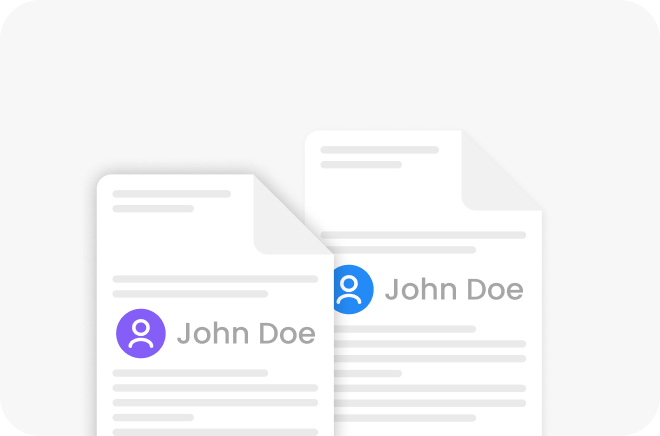
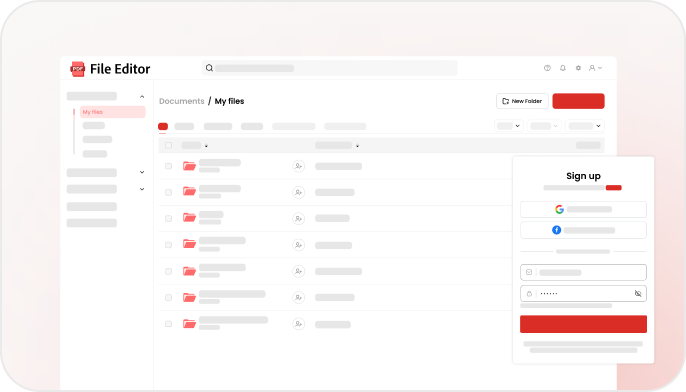
Securely upload your file
Drag and drop your PDF or upload it from your device
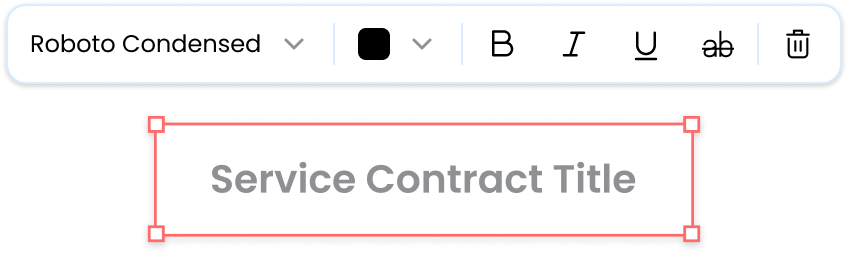
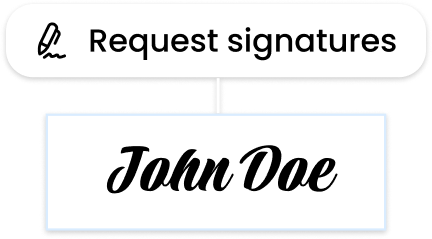
File Editor simplifies the process with an intuitive step-by-step workflow
Drag and drop your PDF or upload it from your device
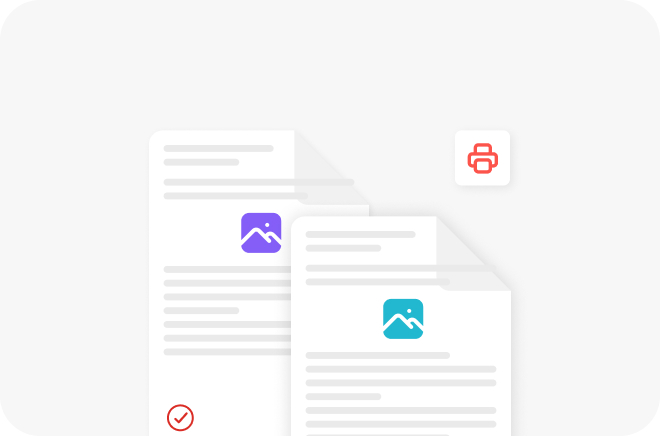
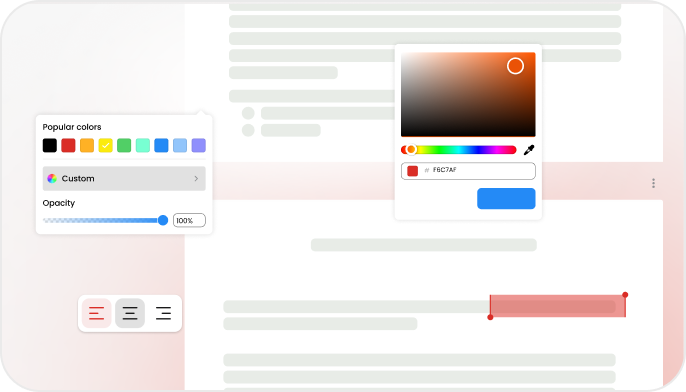
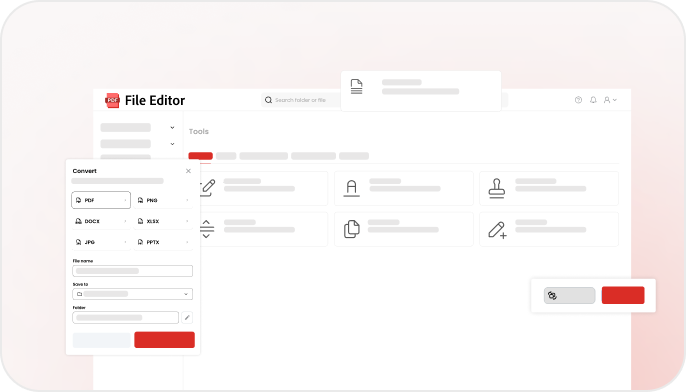
Edit text, add your signature, convert your file, and use many other PDF tools
Download your file instantly, ready to print or share













Dr. Jian Li
Data Scientist at A&Innovations
I really enjoy using File Editor. It offers a powerful set of tools that makes working with PDFs incredibly easy. From converting to annotating, everything runs smoothly. It's fast, reliable, and very convenient.

Evelyn Hayes
Analyst at Quantum Ventures
File Editor is an excellent PDF solution. The range of tools covers everything I need, and every feature works seamlessly. Editing, converting, and annotating files is effortless. Highly recommended.

Ricardo Torres
CTO at TechForward Inc.
This is one of the most convenient PDF tools I've used. File Editor handles conversions, edits, and annotations without any issues. It's efficient, reliable, and a pleasure to use.

Marcus Thorne
Lead Architect at Voltronix
Using File Editor feels simple and efficient. The platform offers a strong set of PDF tools that work exactly as expected. Editing, converting, and annotating documents is fast and seamless. It's a reliable tool I enjoy using regularly.
Dr. Jian Li
Data Scientist at A&Innovations
I really enjoy using File Editor. It offers a powerful set of tools that makes working with PDFs incredibly easy. From converting to annotating, everything runs smoothly. It's fast, reliable, and very convenient.
Evelyn Hayes
Analyst at Quantum Ventures
File Editor is an excellent PDF solution. The range of tools covers everything I need, and every feature works seamlessly. Editing, converting, and annotating files is effortless. Highly recommended.
Learn more about how to edit PDFs and use our features effectively